Why You Should Never Use AI to Generate Passwords
AI can generate passwords that look random, but looking random is not the same as being secure. This post explains why AI is the wrong tool for password generation, what real randomness means, and what you should use instead.

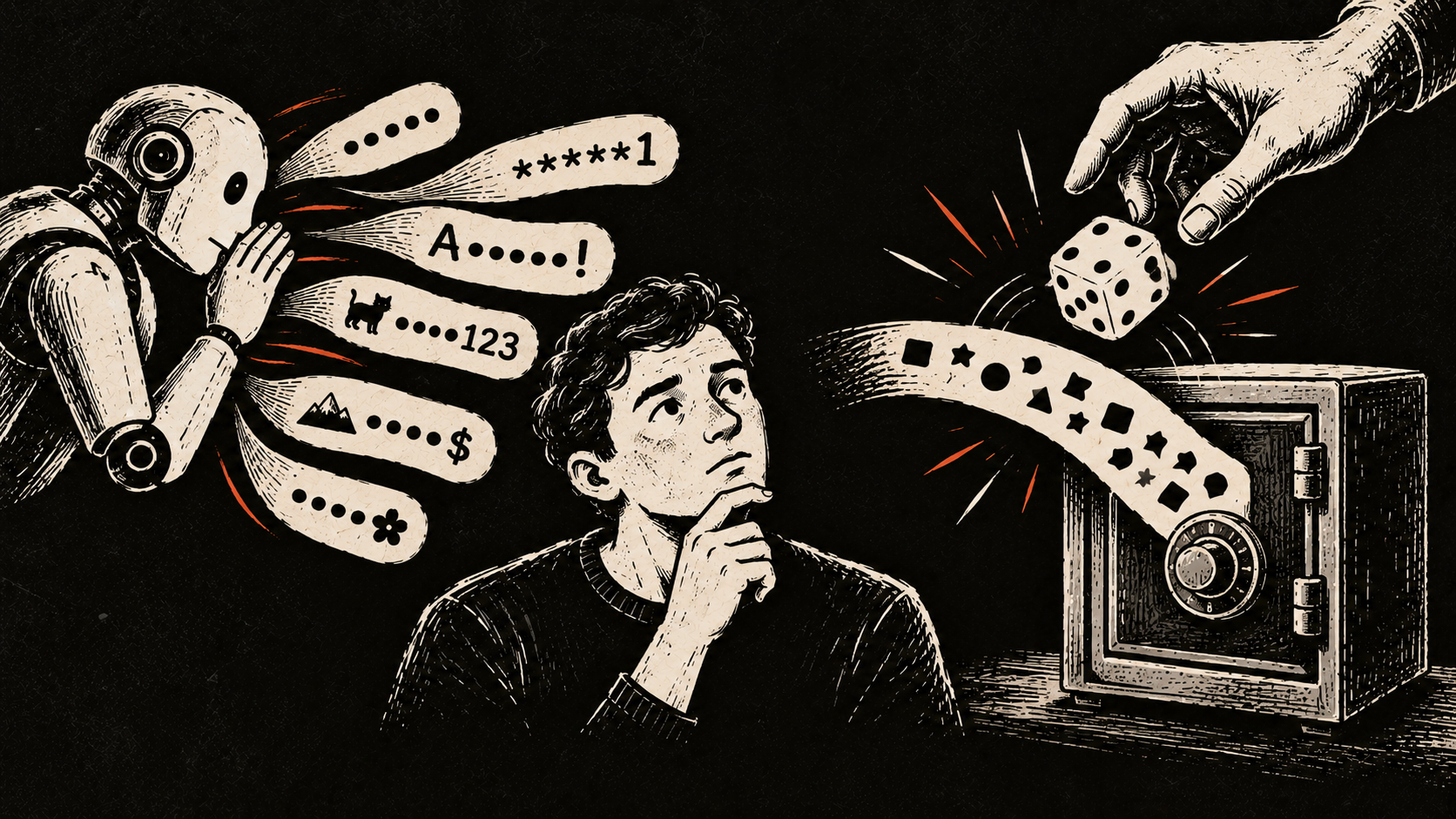
You need a new password, so you open ChatGPT and ask:
"Generate a secure 20-character password for me."
It gives you something like this:
K7!mQ2#vL9@pX4&rT8
It looks random. It has uppercase and lowercase letters, numbers, and symbols.
But that does not mean it is a good password.
What matters is not how complicated a password looks. What matters is how difficult it is to predict.
That is where AI is the wrong tool.
What makes a password secure?
Imagine I ask you to choose a number between 1 and 100.
You probably won't choose completely at random. Humans tend to prefer certain numbers. Some numbers get chosen much more often than others.
Passwords have the same problem.
People like patterns. We capitalize the first letter, add a number at the end, replace an "o" with a zero, or add an exclamation mark.
A good password generator does not try to come up with something clever. It chooses each part of the password using a source of randomness designed for security.
If an attacker knows the first half of a properly generated password, that should not help them predict the second half.
That unpredictability is what matters.
AI generates patterns
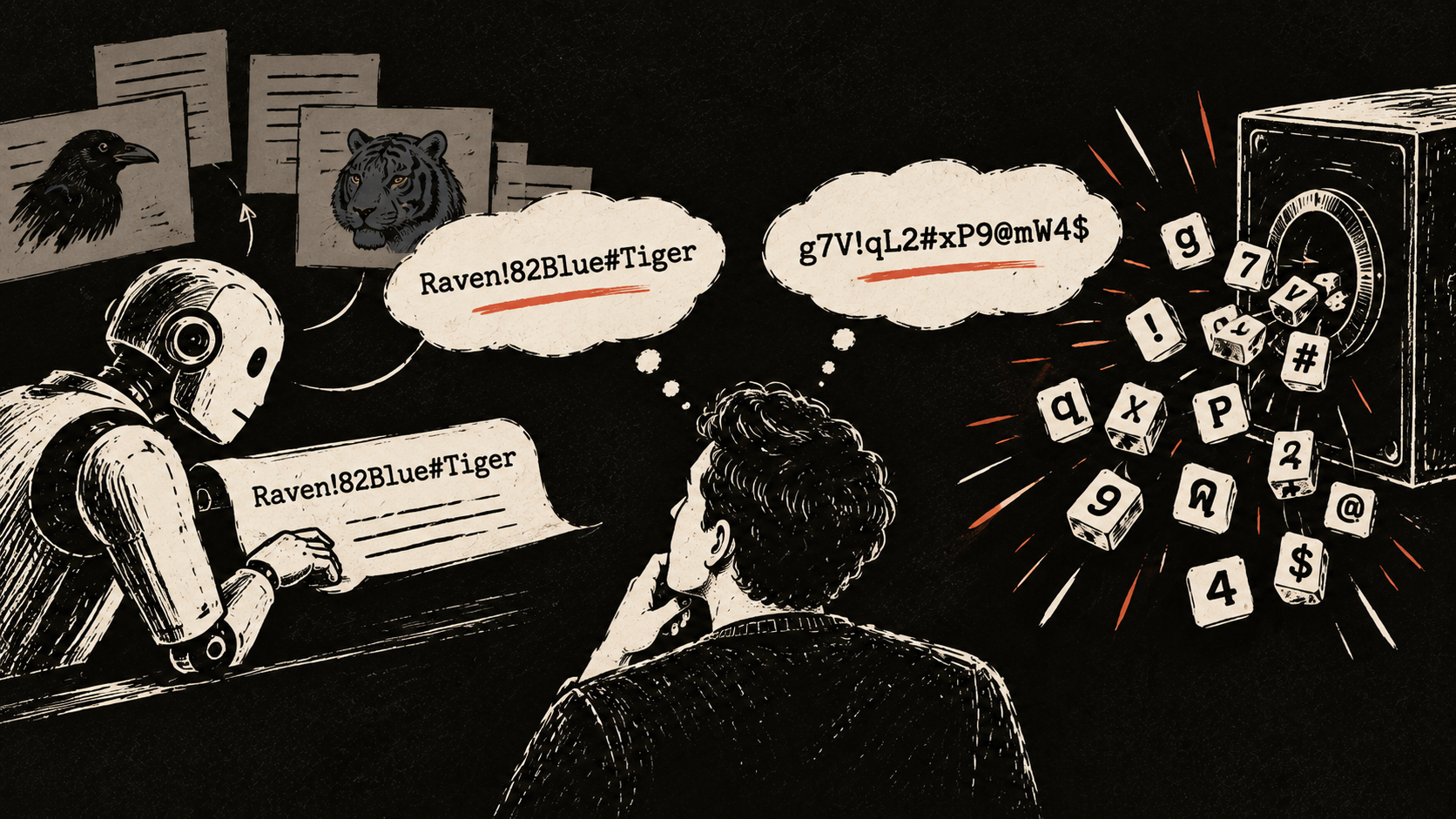
ChatGPT and similar systems generate text by predicting what should come next based on what came before.
That is useful when writing a paragraph, answering a question, or producing code.
It is not what you want when creating a password.
A password should not be plausible. It should be unpredictable.
An AI might give you something like:
Raven!82Blue#Tiger
It looks reasonably complicated, but it contains recognizable words and familiar patterns.
Even a password that looks much more random may still come from patterns in the model's output.
You also have no practical way to measure how much real randomness went into it.
Random-looking is not the same as random
Consider this password:
g7V!qL2#xP9@mW4$
It certainly looks random.
But imagine someone created it using a rule like this:
lowercase letter, number, uppercase letter, symbol, then repeat.
Once you know the rule, the password becomes easier to guess.
This is why appearance tells you very little about password strength.
Password managers use a different approach. They rely on secure random-number generators built for this kind of job.
The technical term is a "cryptographically secure random number generator."
You do not need to know how the mathematics works.
The useful part is simple. The computer uses a source of randomness that makes the next value extremely difficult for someone else to predict.
The password manager then turns those random values into letters, numbers, symbols, or words.
There is also a privacy problem
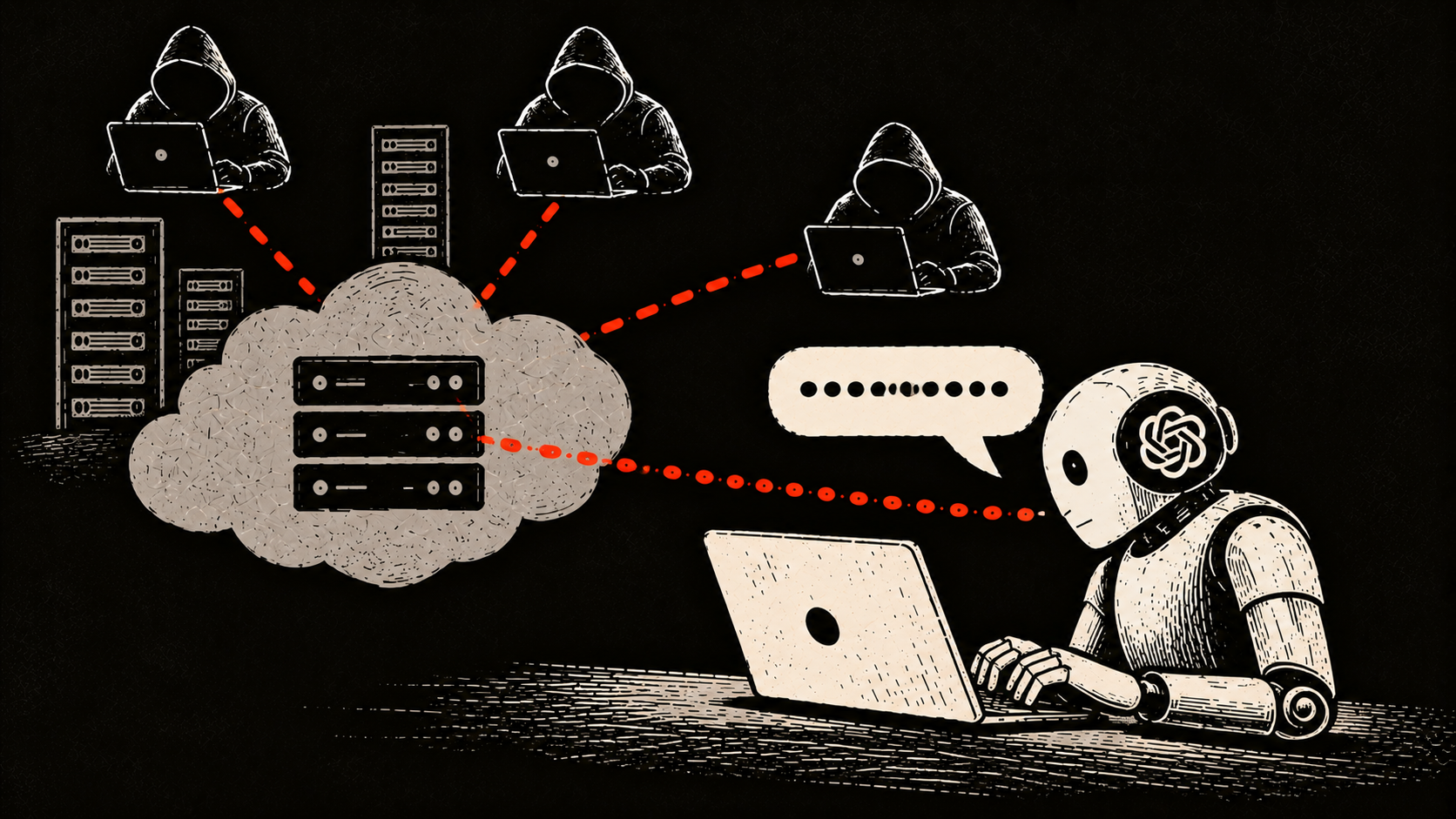
Suppose the AI actually generated an excellent password.
You still have another problem.
You just sent your password through an online service.
That creates an extra place where the password has existed.
For most people, there is no reason to do that. Your password manager can generate the password directly.
The same advice applies to passwords you already use.
Do not paste your real password into ChatGPT and ask:
"Is this password secure?"
If you want advice, describe the method instead.
For example:
"I use five random words generated by my password manager. Is that a reasonable master password?"
You can get useful advice without revealing the actual password.
What should you use instead?
Use the password generator inside your password manager.
Most password managers can create long random passwords for you. Examples include Bitwarden, 1Password, Apple Passwords, KeePass, and Proton Pass.
A generated password might look like this:
vR7#2pL!9xQ$4mN8@kT6
You do not have to remember it. The password manager stores it for you.
This also makes it easy to use a different password for every account.
That matters because reused passwords create a much bigger problem. If one website leaks your password, attackers can try the same password on your email, social media, shopping accounts, and other services.
What about passwords you need to remember?
Sometimes you need a password you can type from memory.
The password that unlocks your password manager is a good example.
In that case, a passphrase can work well.
A passphrase uses several randomly selected words, for example:
violin-cactus-orbit-lantern-river
The important part is that the words should be selected randomly.
Do not simply think of five words yourself. Humans are not good random-number generators either.
A password manager can choose the words for you.
-
PS: If you learn to read more about it, here is a very interesting X thread:
LLMs are terrible password generators – and coding agents are making it worse. We tested ChatGPT, Claude, and Gemini, and found the passwords they produce look strong but are fundamentally weak. Here's what we found 🧵 pic.twitter.com/XrmKq3z2Qg
— Irregular (@Irregular) February 18, 2026